

Step-by-Step Guide to Stunning AI Bollywood Posters with ChatGPT
Generate stunning AI images with ChatGPT’s new feature, step-by-step guide for creators, marketers, and AI enthusiasts to craft realistic visuals effortlessly.
Generate stunning AI images with ChatGPT’s new feature, step-by-step guide for creators, marketers, and AI enthusiasts to craft realistic visuals effortlessly.
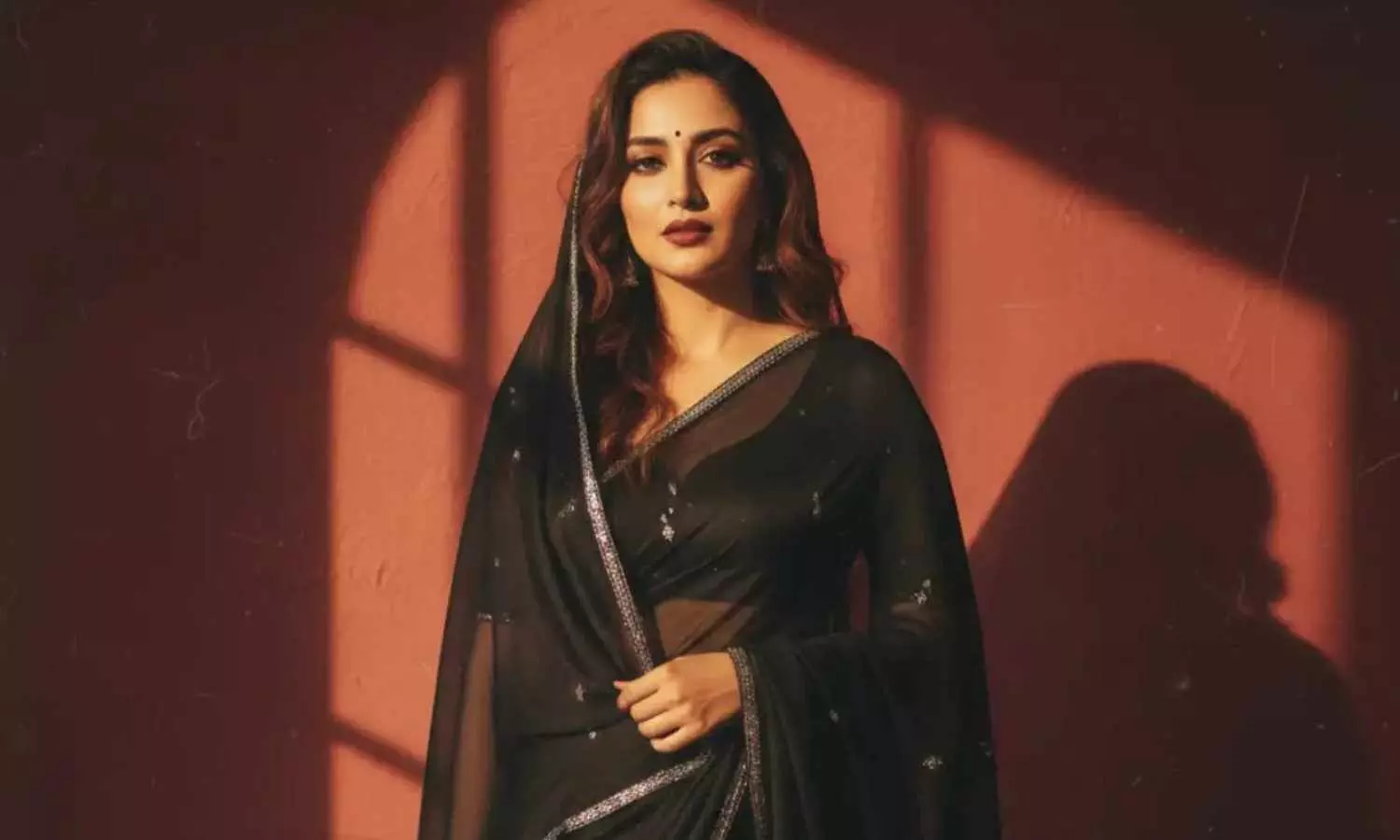
The area of AI image generation is catching up to be one of the most exciting fields in consumer technology. Google is still working on its Gemini platform, while tools like Nano Banana Pro are getting famous for their ultra-realistic images, but OpenAI has now taken a giant leap with a new image generation feature embedded in ChatGPT. This feature goes beyond just text and allows users to generate images of high quality just by issuing prompts and following simple instructions—still within the same chat interface.
The users can show an image in words, get the output and then make it what they want by changing the aspects like light, style, background, and mood. This is the strategy that OpenAI has put into play to make it easier for the artists, the marketers, and everyone who needs visual content to have access to the AI tools without having to go through the process of design software.
How to Generate Images on ChatGPT: A Guide
Stage 1: Be Patient with Your Idea
Try not to hurry with one line command. Visualise telling your scene to a friend. You can ask yourself such questions: what time is it? Is the ambiance merry, theatrical, serene, or tumultuous? These are just a few of the details that could have a greater impact on the end image.
Stage 2: Include Culture and Texture
Do you want a festival scene or Indian-inspired visualizations? Speak about fabrics, colors, customs or even climate. ChatGPT responds the best when cultural signals are low and vivid.
Step 3: Describe Lighting Like a Photographer
Lighting can change the whole image. Indicate soft morning light, piercing afternoon sun, warm indoor glow, or film shadows. Detailed lighting instructions give realism a proportionate boost.
Step 4: Refine Without Starting from Scratch
This is the point where ChatGPT really outshines the competition. Rather than rephrasing the whole prompt, you can adjust just a few details: make faces less intense, switch outfits, alter hues, or provide a more significant look. The process of constant refining produces your exact image.
Prompts That Come Naturally
Festival Image Example:
“Show a cosy Diwali evening with glowing diyas on a balcony, warm yellow lights, marigold flowers, and a relaxed family vibe, cinematic lighting, and realistic details.”
Bollywood Poster Example:
“Create a dramatic Bollywood-style movie poster with an intense lead character, moody background, bold lighting, slightly gritty 90s cinema feel.”
Saree Landscape Example:
“Design a dreamy Indian landscape where flowing sarees blend into hills and fields, soft pastel sky, sunrise lighting, artistic and calm.”
The new image generation feature in OpenAI's ChatGPT makes it more accessible for both creators and regular users to produce great visuals. Through proper prompts, gradual refinement, and paying attention to every detail, anyone can create high-quality images that not only look like products of professional studios but are also culturally authentic—all within the confines of a single chat interface.





